Changelog for June 2026
New
- Added summary stats to the Budget section (thanks, Doug!)
- Added default payment method preference (thanks, Max!)
Improved
- Time-tracking summary stats in the day & week views are now tied to the date range (thanks, Wil!)
Stay up-to-date with new Cushion features, announcements, and milestones.
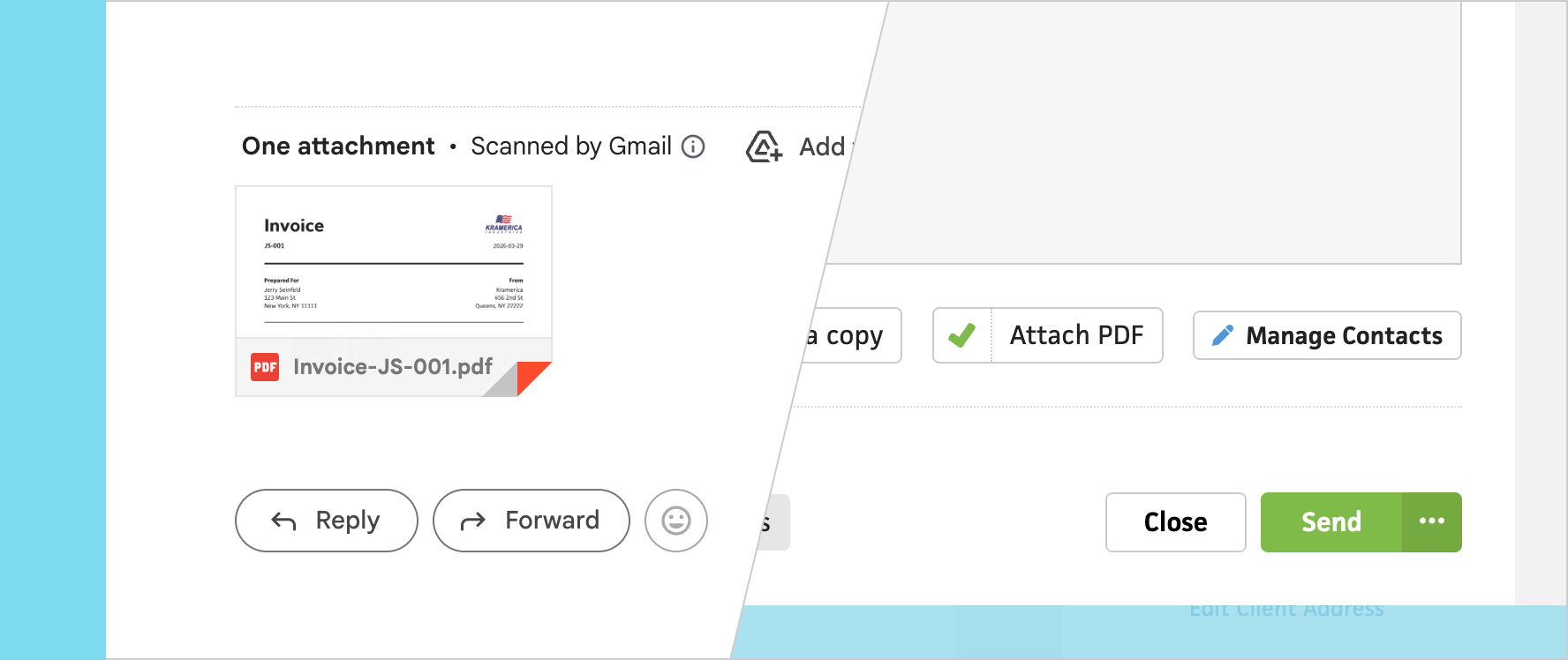
Occasionally, you’ll have a client who can’t manage to click a link, or their company’s firewall won’t allow Cushion’s impressive in.vc short URL. For these tricky scenarios, it would be best to send the invoice with a PDF attachment for good measure. Well, now that’s possible—with invoice PDF attachments!
When you go to send an invoice, you’ll now see a checkbox to include the invoice PDF as an attachment. Checking that box is all you need to do! It’ll take an extra second or two to send the email because of the PDF rendering, but your client should have no problem viewing and paying your invoice on time from here on out… right?
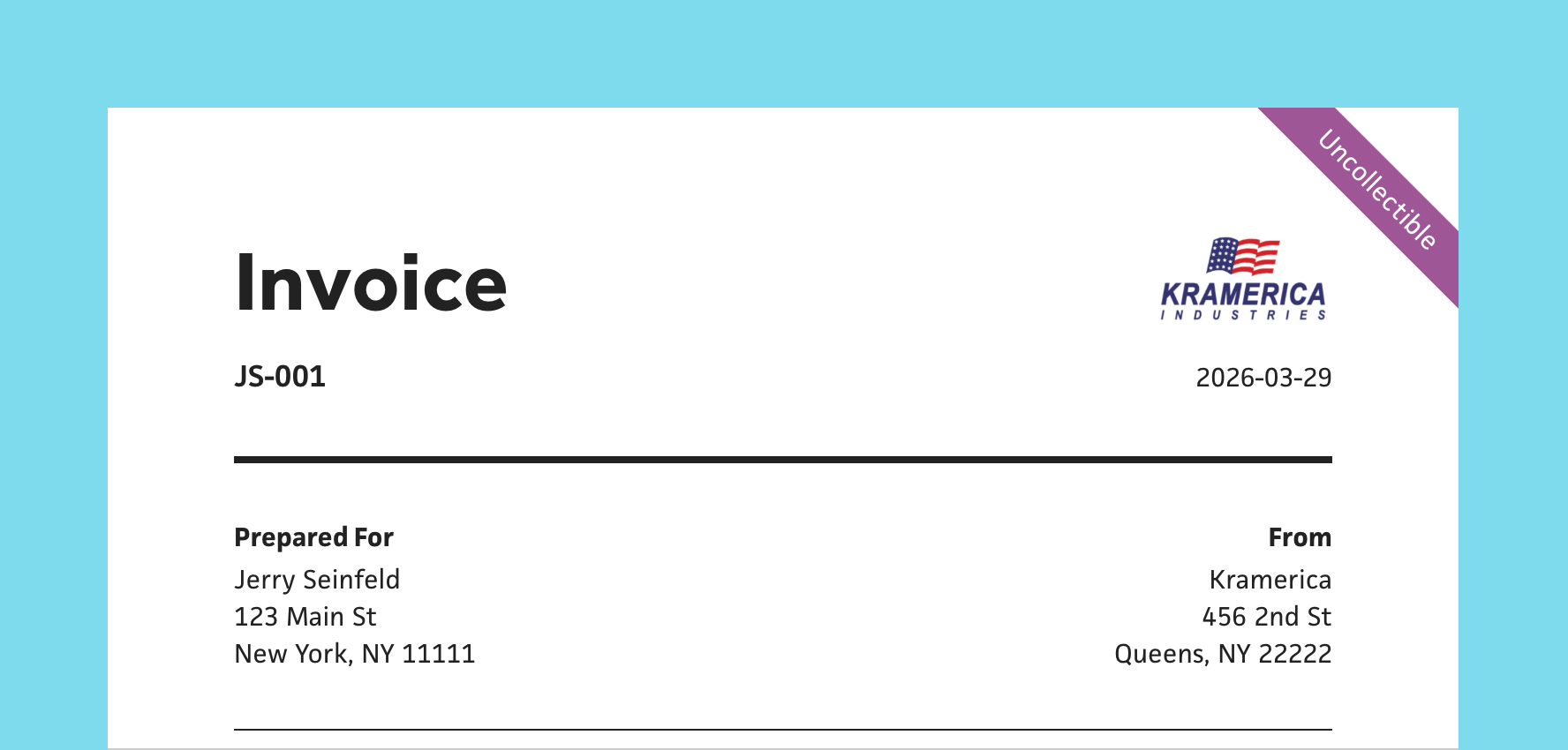
Payment isn’t always guaranteed in the freelance life. Sometimes a client will ghost you or go out of business, leaving you with an unpaid invoice that haunts you. It doesn’t feel right to delete it, but you no longer want to factor it towards your potential income. What do you do? That’s where uncollectible invoices come in.
In the invoice status dropdown menu, you’ll now see an option for “Uncollectible”. Marking an invoice as uncollectible will remove it from your potential income, put the invoice in its own “Uncollectible” list, and slap a badge on it for good measure. This way, you can leave it in the past, but still know it’s there for reference. Hopefully, you never to use this feature!