Overbooking
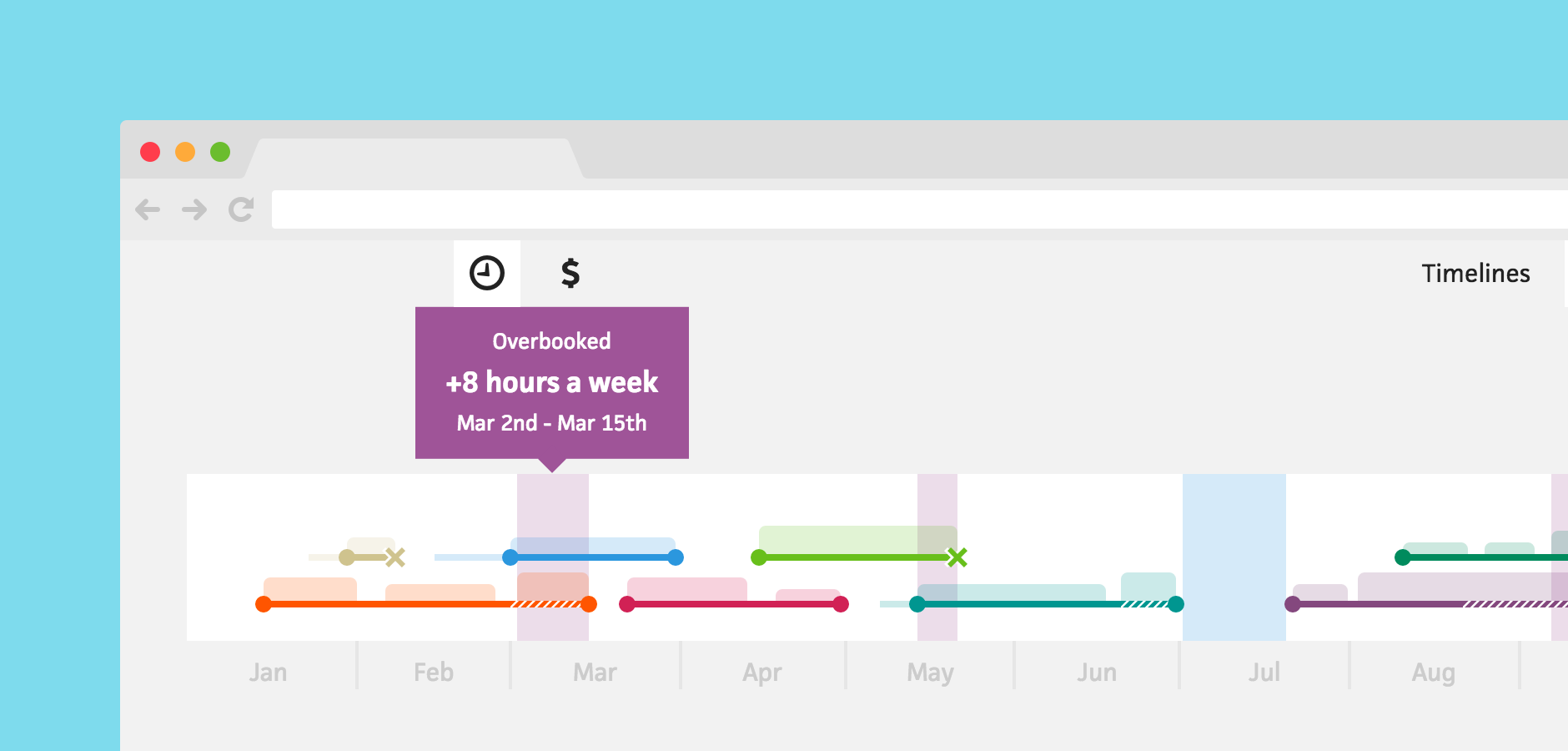



Whether you’re new to freelancing or a contracting veteran, overbooking can happen to anyone. You might forget about a prior commitment, or maybe you’re a workaholic—convinced that an 80-hour workweek is normal. To help, Cushion will now highlight when you’re overbooked, so you can reschedule and avoid those nightmare weeks.
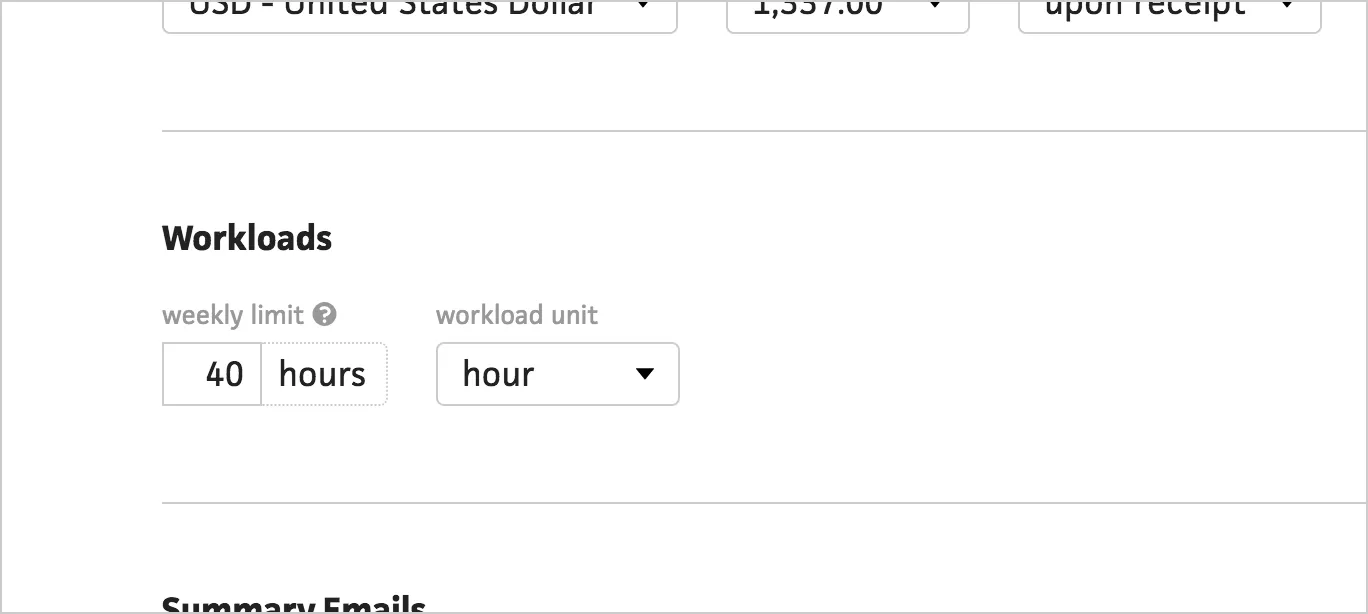
In the preferences, you will now see a “weekly limit” preference. Here, you can define how many hours you consider a full workweek. This lets you specify 20 hours if you’re only freelancing part-time or 80 hours if you’re a 2-person team.
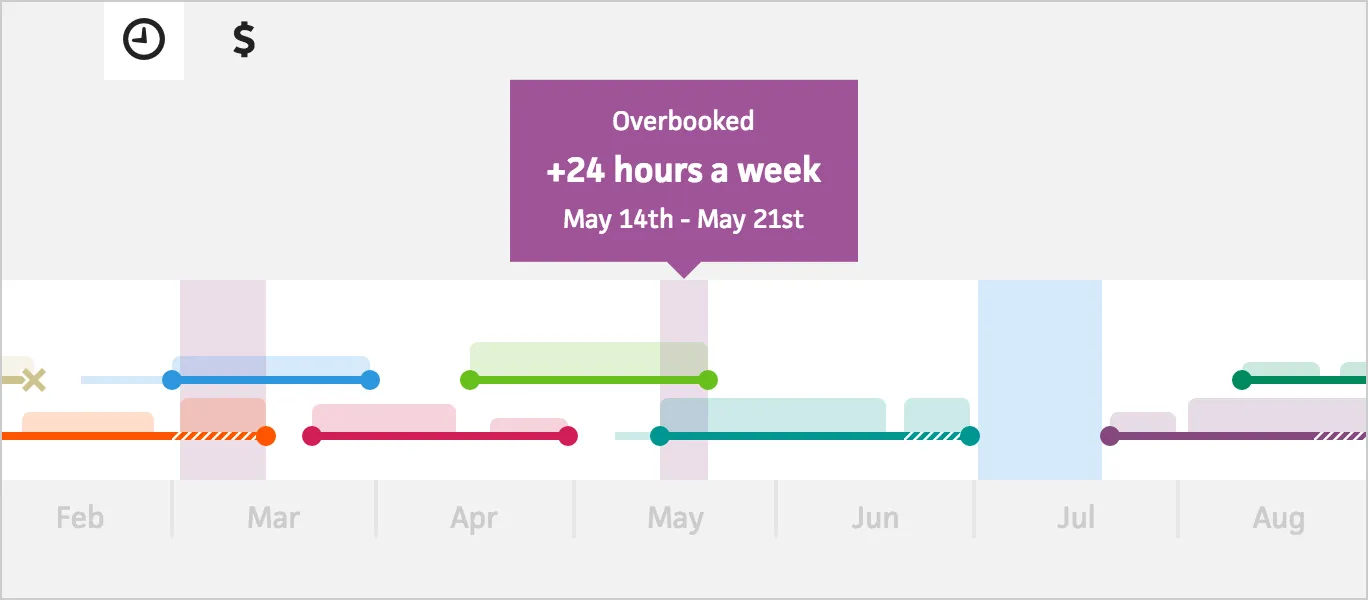
Cushion will then highlight any overlapping projects that exceed your weekly limit. Hovering the highlighted area will indicate how many hours a week you’re overbooked as well as the date range.
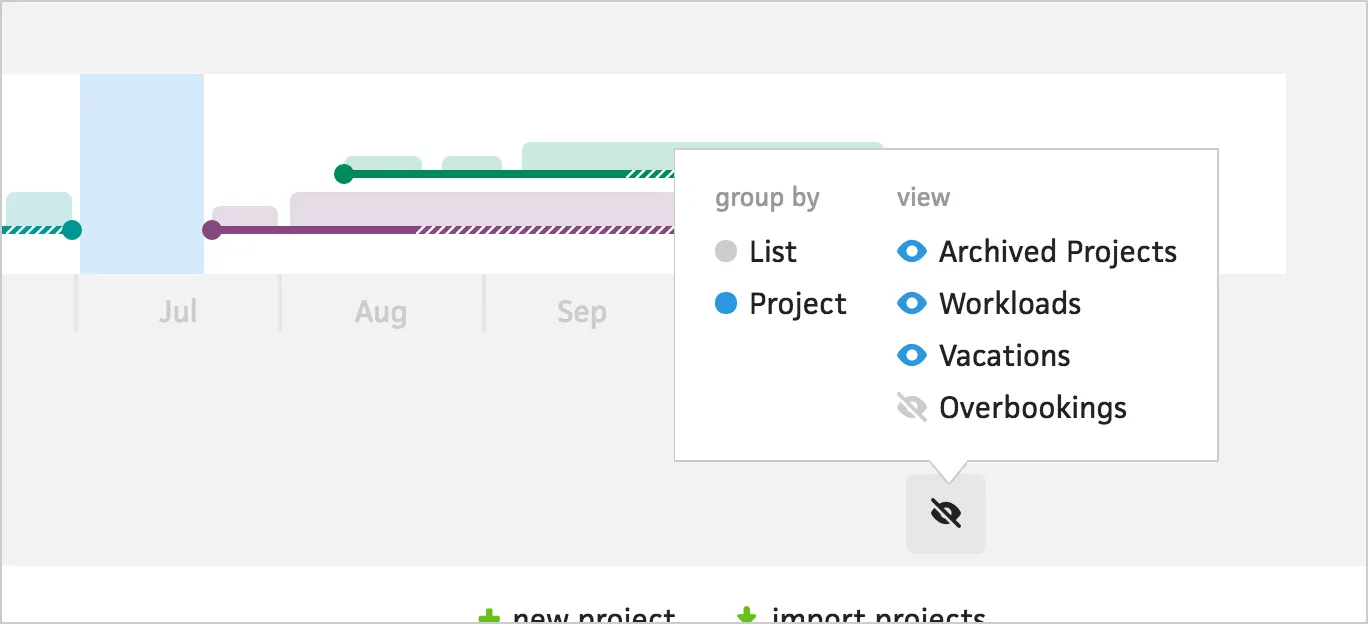
If the overbooked areas ever become too distracting, or if you thrive under pressure, you can hide them in the schedule view settings.
Overbooking provides a new kind of insight for Cushion users. Now, instead of calculating when you’re taking on too much work, Cushion shows you. Expect more “smart” features like this over the next few months!