Auto-incrementing invoices
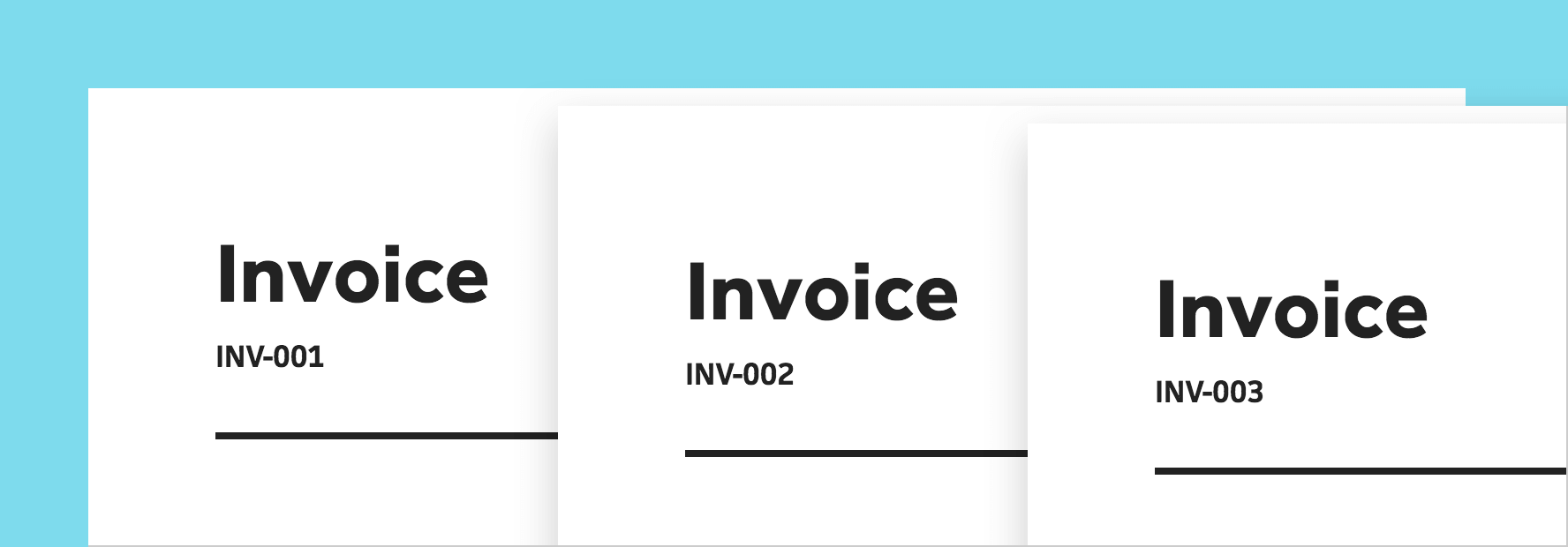



Last week, we launched invoicing in Cushion, which has had an incredible reception from everyone so far. That was only the beginning. We have so many more invoicing-related features on our roadmap, including the one I’m excited to announce today—auto-incrementing invoices!
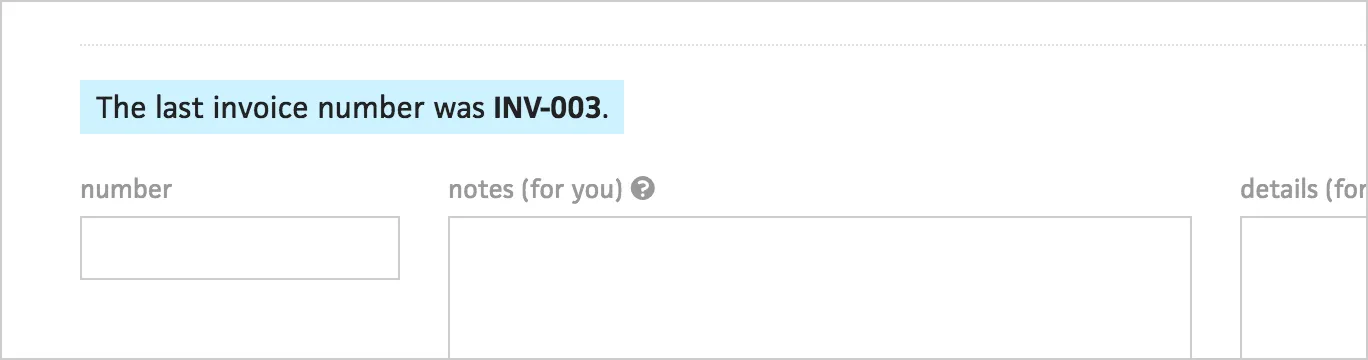
Previously, invoice numbers were simply a text field for referencing invoices, so it was up to you to enter a new invoice’s number each time. We did show a note to indicate the last invoice’s number, but you’d still need to enter the next one yourself. With auto-incrementing invoices, you don’t need to do anything.
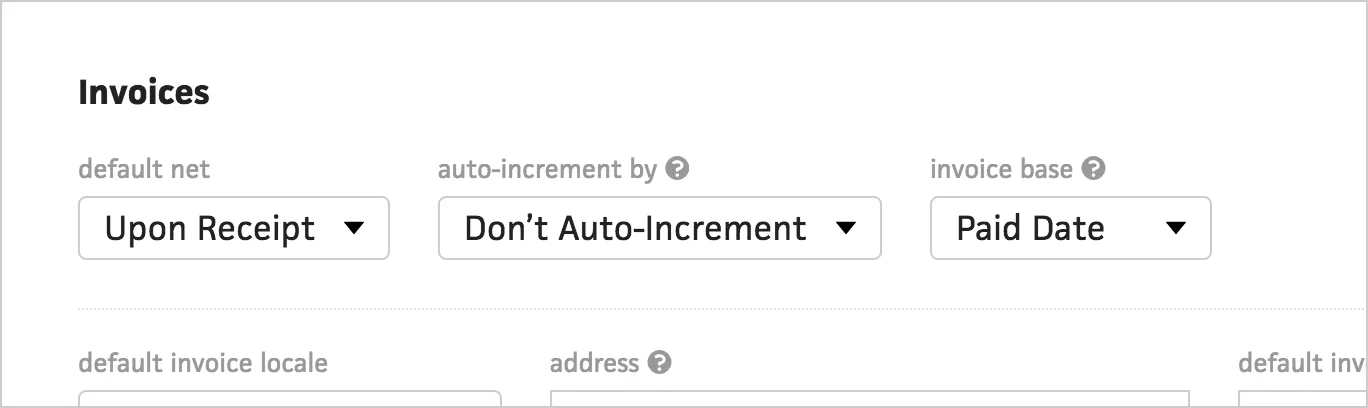
If you go to the Preferences section, you’ll now see a setting for auto-incrementing invoices. By default, auto-incrementing is turned off. Rather than only having an on and off switch, however, we give you several options—“user”, “client”, and “project”.
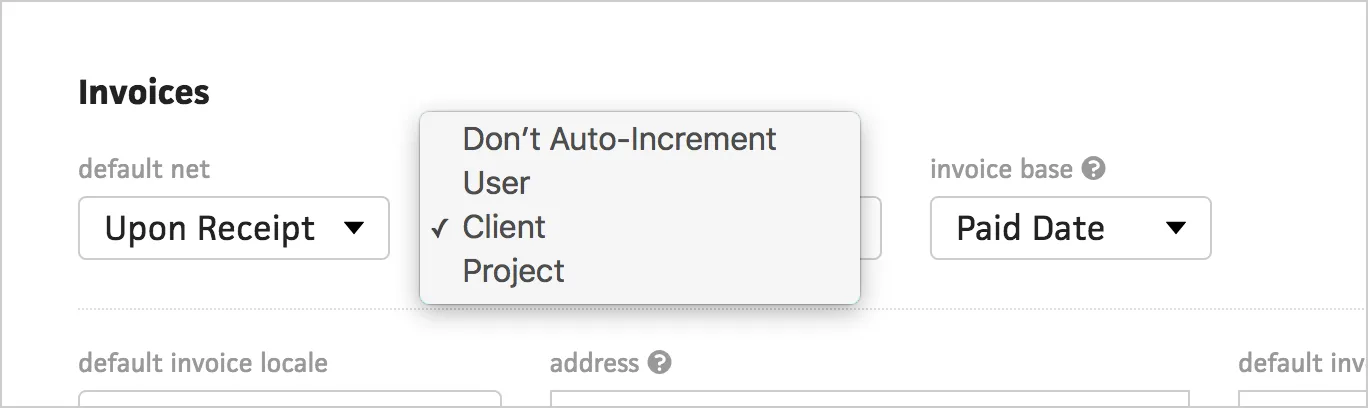
These options allow you to specify how to group your invoice numbers. If you keep a single number across all of your invoices, you can choose the “user” option. If you number your invoices based on the client, choose the “client” option and Cushion will increment those invoices per-client. Lastly, if you’re very specific with your invoice numbers and base them on each project, select the “project” option.
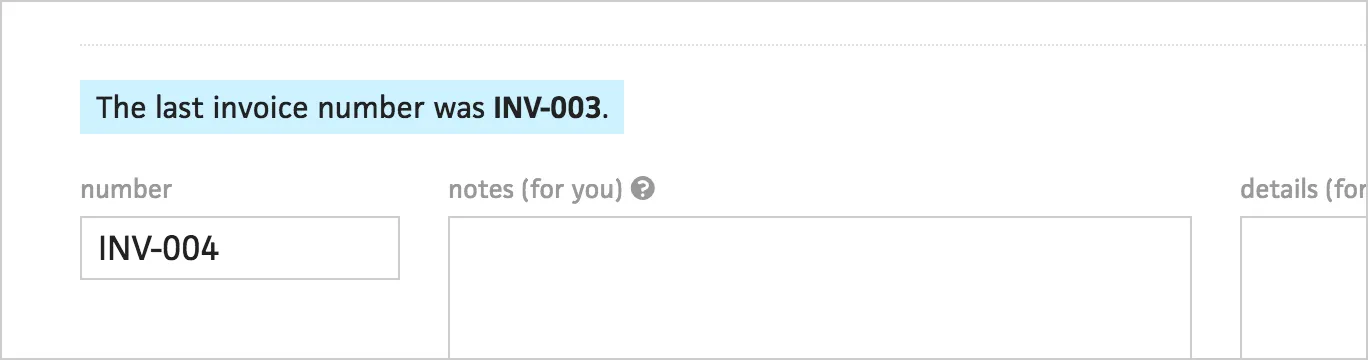
Cushion will automatically insert the next invoice number into the field when you create a new invoice, but you’ll also see the previous invoice number just in case.
Hopefully this helps automate your workflow, so you have one less thing to think about. We have so much more planned for invoicing, so keep an eye out!