Automatic currency conversion
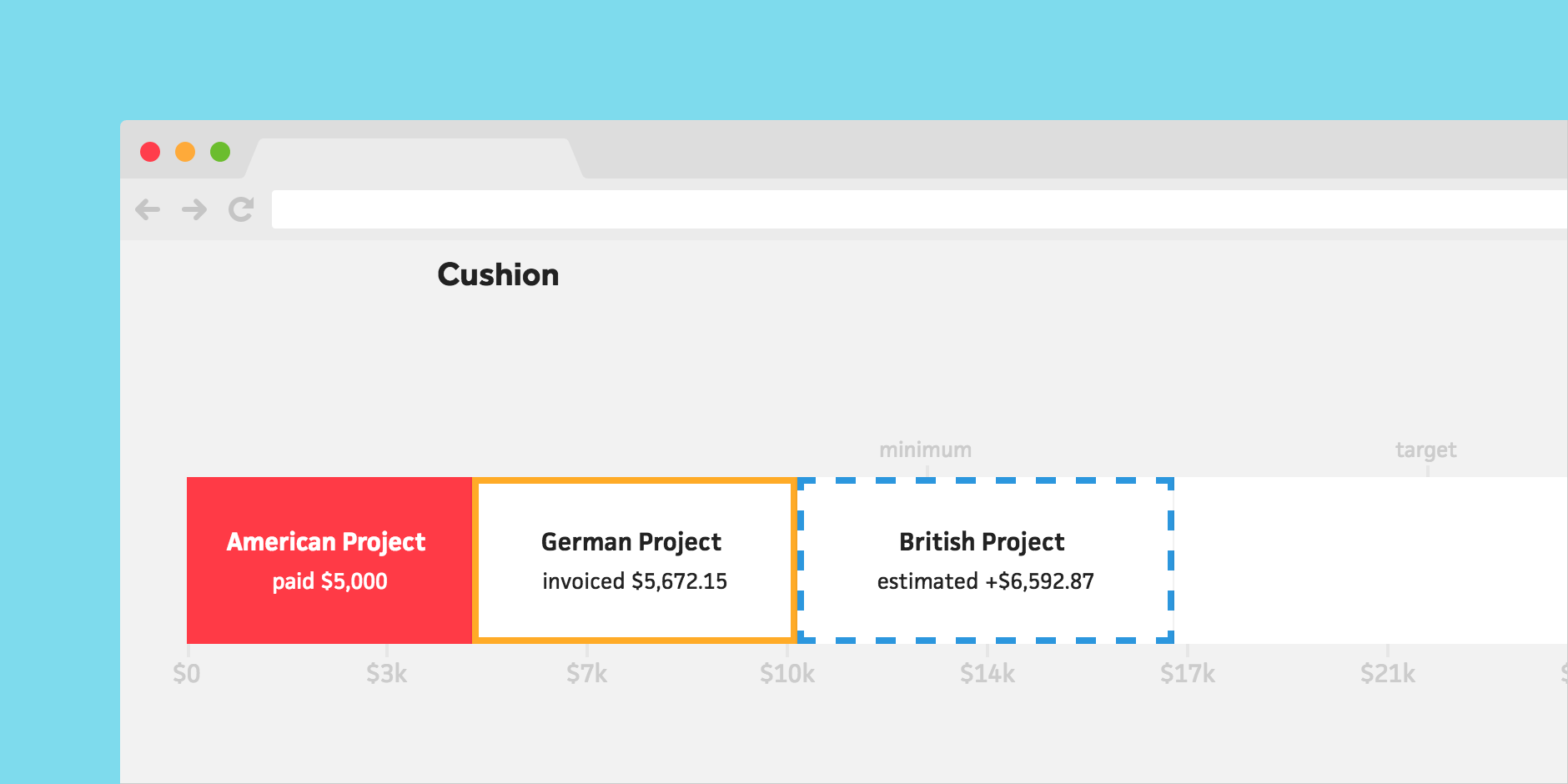



If you freelance for international clients and invoice them across multiple currencies, you know how much of an inconvenience currency conversion can be. When all you want to see is your income in your native currency, most services require you to either manually convert invoices or view each currency separately. We knew we could improve this and bring more peace of mind to your day-to-day, so we did. Today, I’m excited to introduce automatic currency conversion!
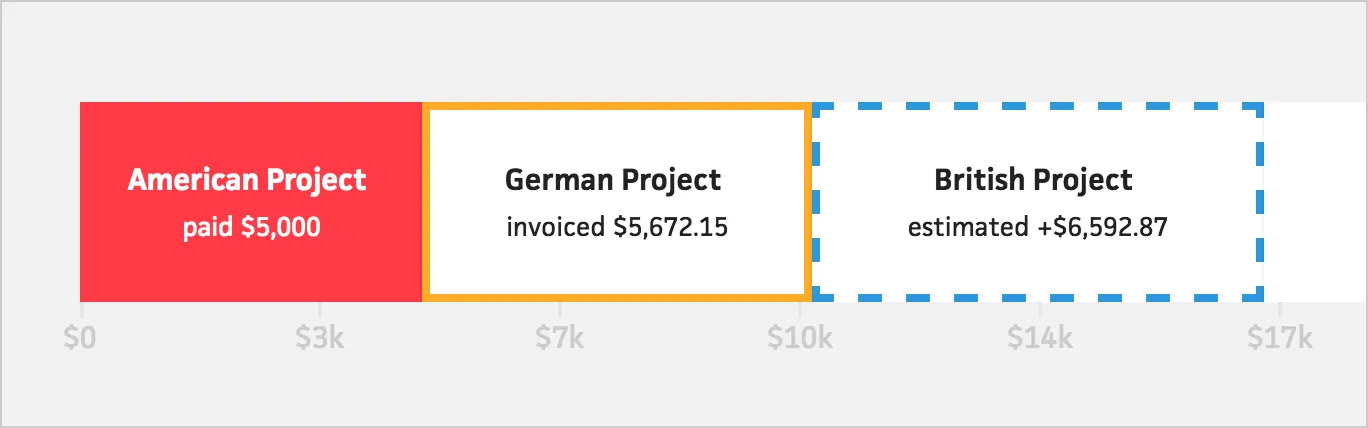
In the budget graph, Cushion will now convert any currencies that differ from your timeline’s currency, based on historical exchange rates. If your financial goals are in Euro, but you have a few British clients, Cushion will automatically convert those amounts to Euro without skipping a beat.
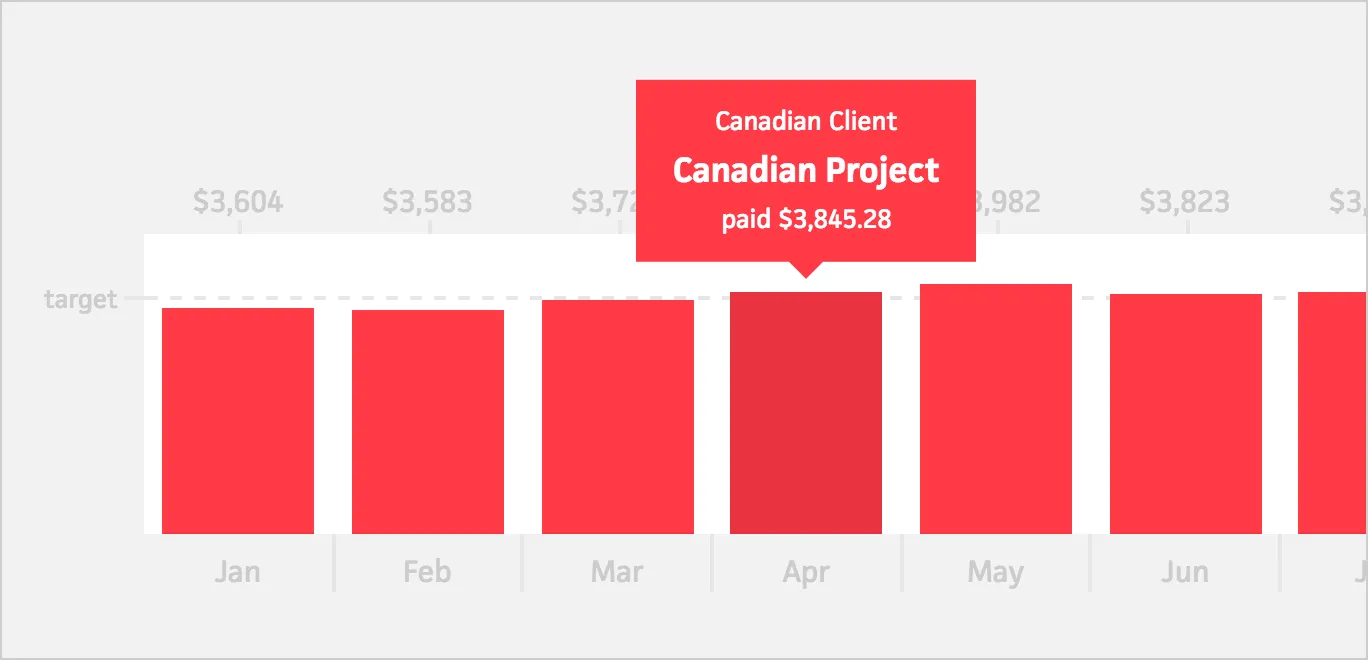
For project estimates and unpaid invoices, Cushion uses today’s exchange rates, so your converted amounts are always up-to-date. For paid invoices, Cushion retrieves the exchange rate from the date you were paid to maintain accuracy. We focused a lot on making this as fast as possible, so you won’t even notice a difference in speed.
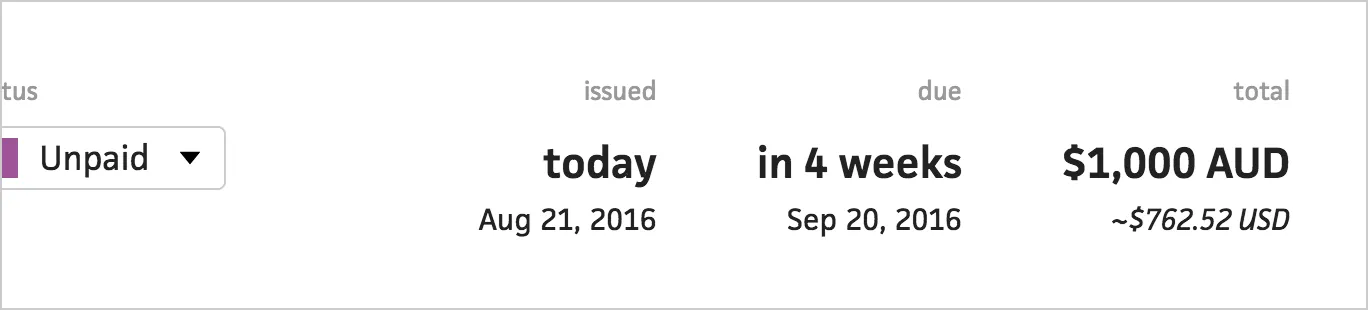
When viewing an invoice, Cushion automatically displays the converted amount, too. Instead of inaccurately estimating or taking the time to look up the exchange rate, Cushion will calculate everything for you. Your days of manually converting currencies are over!
We couldn’t be more excited to finally launch this feature. We plan to extend multiple currencies and automatic conversion to expenses as well, so keep an eye out for more updates!