Availability badge
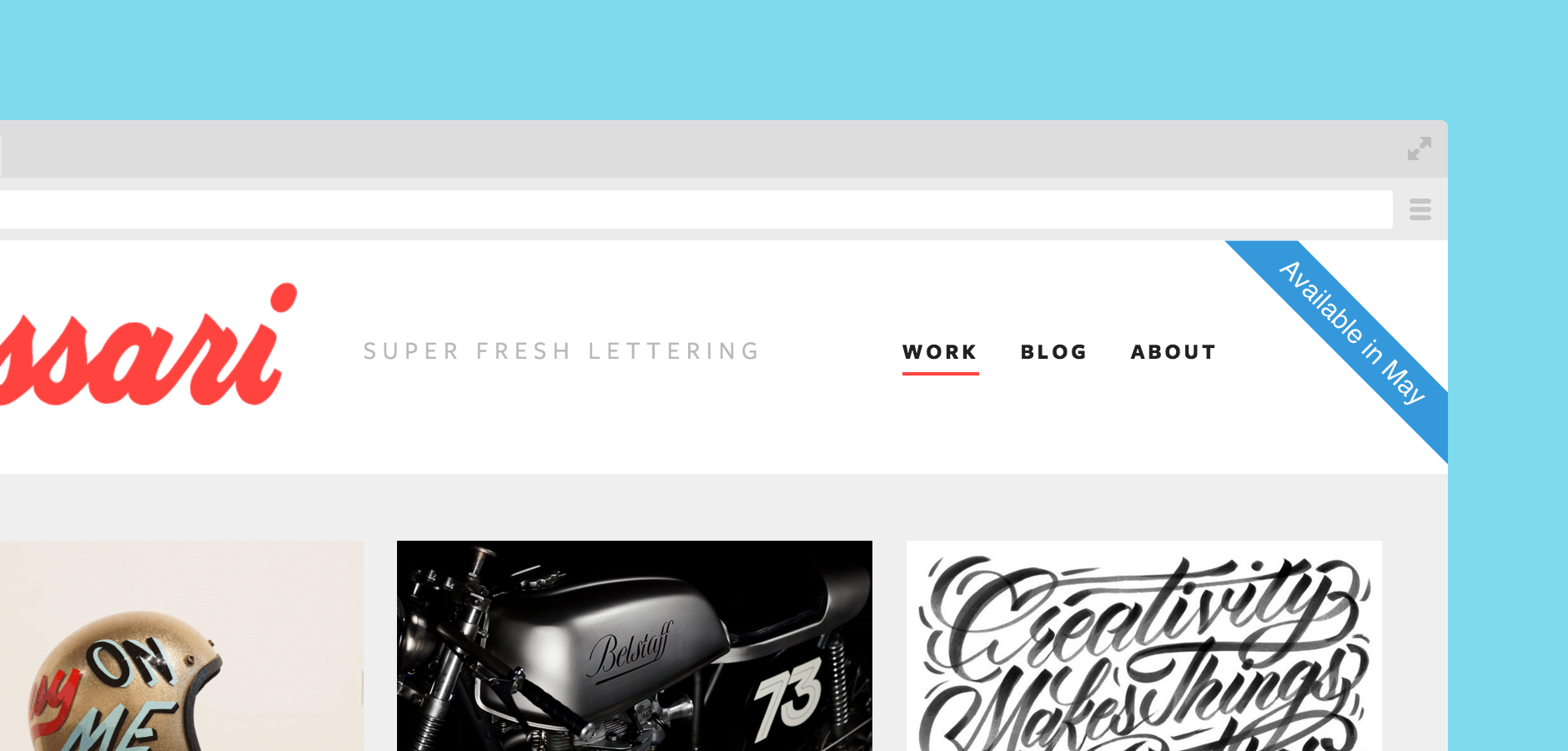



When you’re in the thick of freelancing, remembering to update your availability on your website can easily slip through the cracks. With the Availability Badge, Cushion will automatically keep your status up-to-date using your availability data from Cushion.
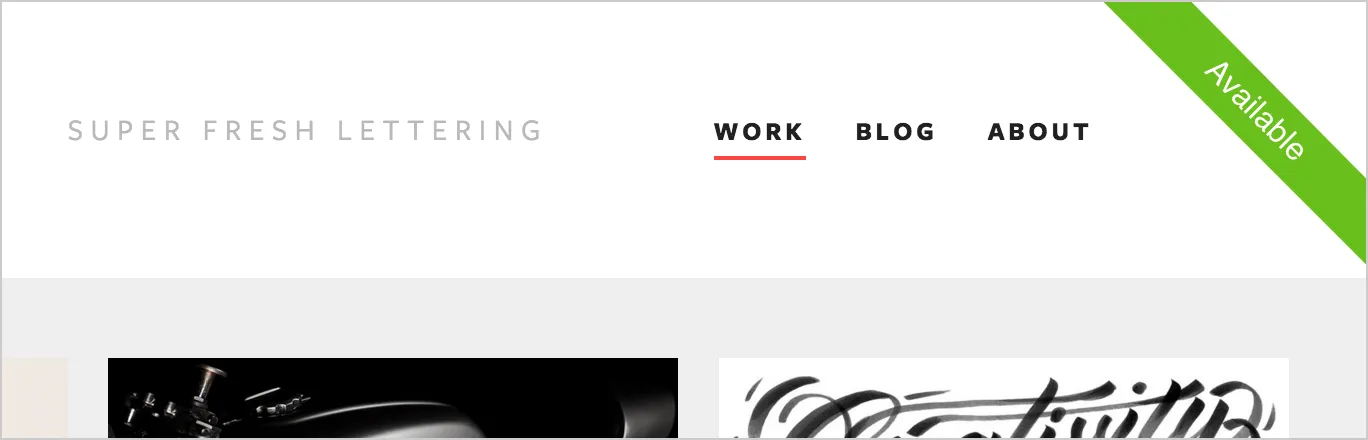
Installing the Availability Badge is as simple as copying two lines of code into your HTML. By default, clicking the Availability Badge will redirect to your referral link, so you can earn Cushion credit, but you can easily change this to be a mailto: link or visit your contact page.
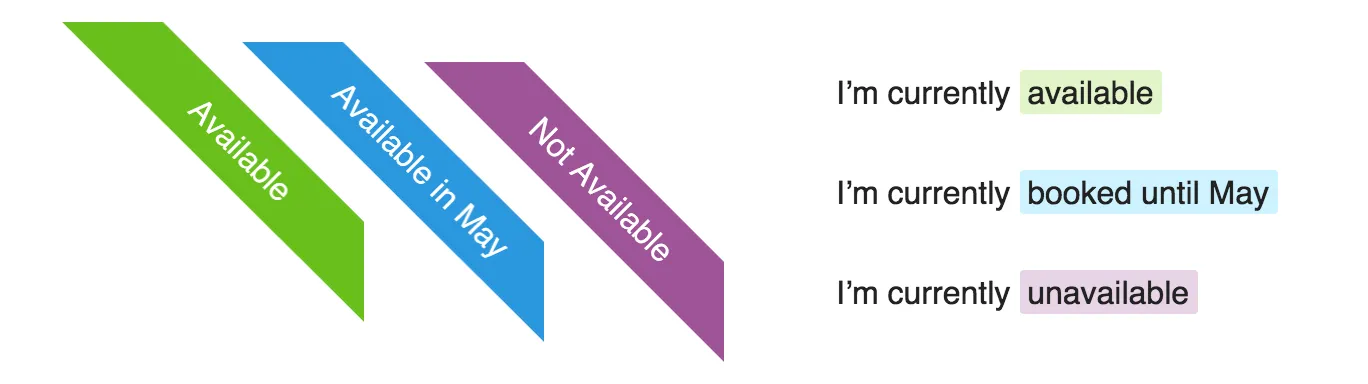 Out of the box, the Availability Badge comes bundled with two display options—ribbon and badge. You can also code your own custom badge or style the default badges with CSS. Check out the GitHub repo for more documentation.
We’re so excited to see Cushion step outside the app for the first time. If you end up installing the Availability Badge on your website, let us know! We’d love to showcase a gallery of websites that use it.