Inline notes
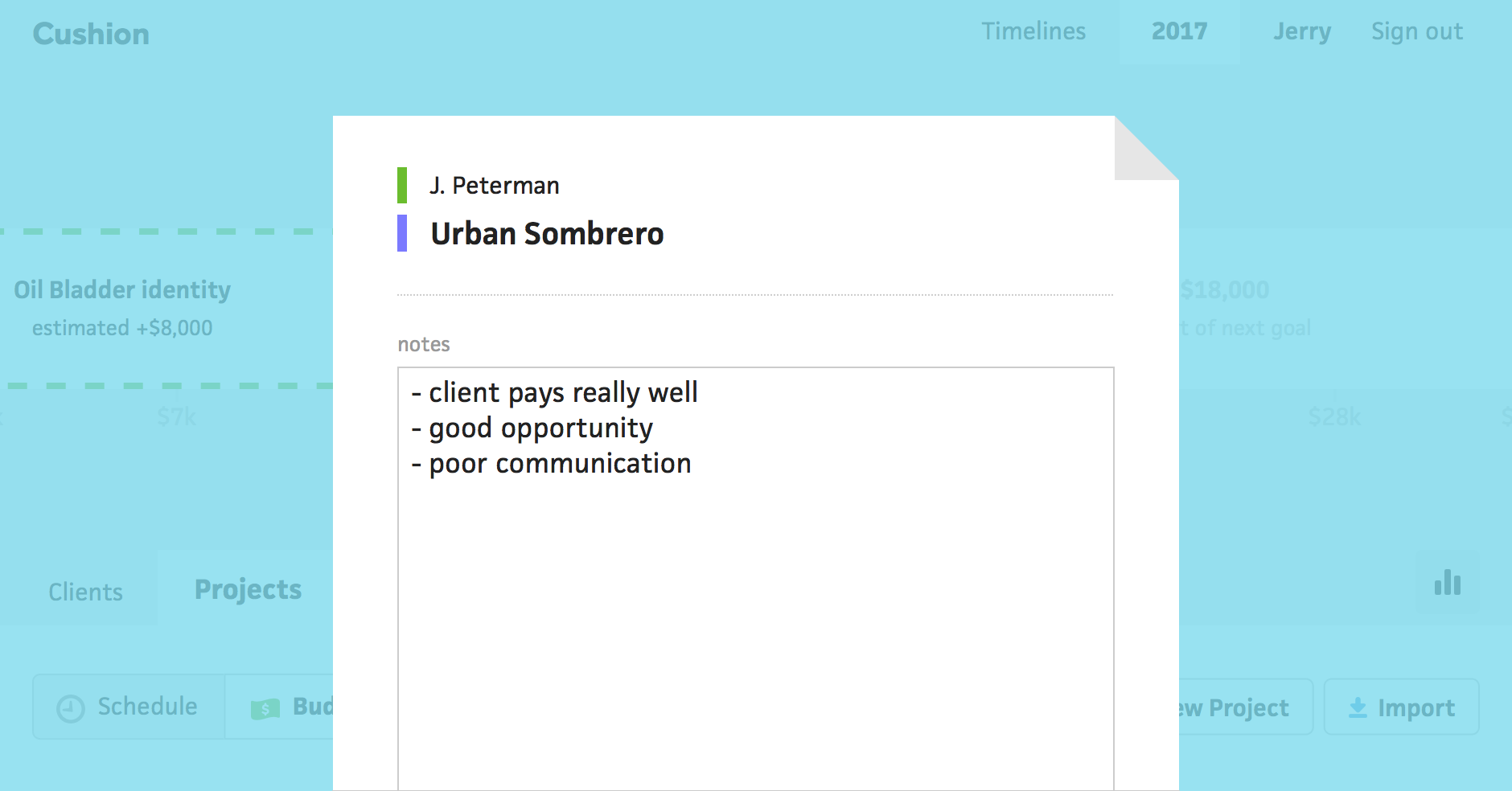



Cushion has had notes for a long time now, but they were always tucked away deep within the app. Editing a note, or even viewing one, required several clicks. Now, with inline notes, you can view and edit notes with a single click—without leaving the current page.
Under the “Projects” tab, hovering a project in the table will display a note icon next to the project’s name. Clicking the note icon will open the note modal where you can view or edit the note. Clients also have inline notes, so you can jot down details or any red flags.