Vacations
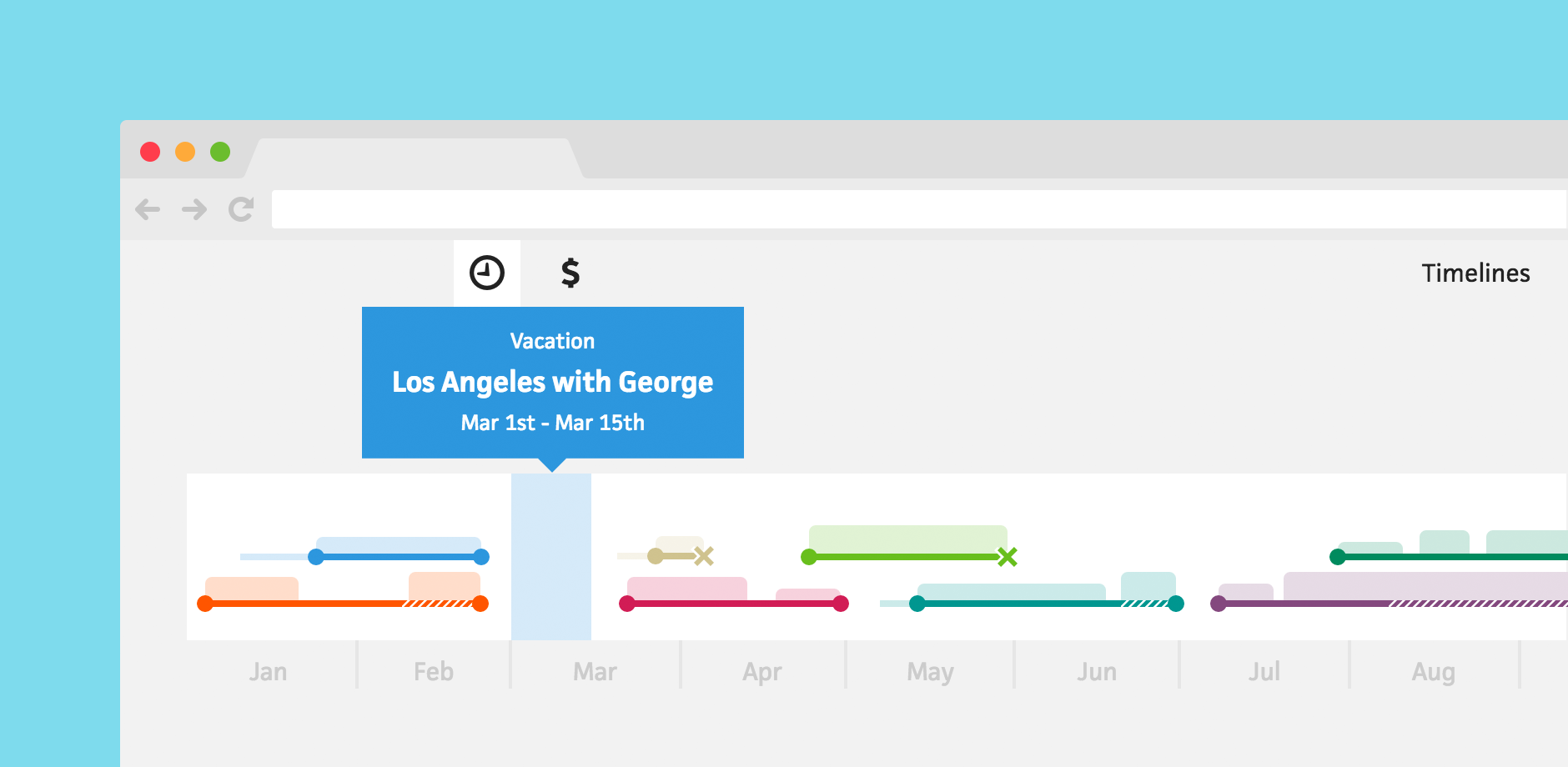



As a freelancer, it can be difficult to take a break from work because you don’t always know where the next paycheck is coming from. When you finally do decide to take time off, the last thing you need is to accidentally schedule a client gig for the same week. To avoid this mishap and ensure you get the relaxation you deserve, I’d like to introduce vacations!
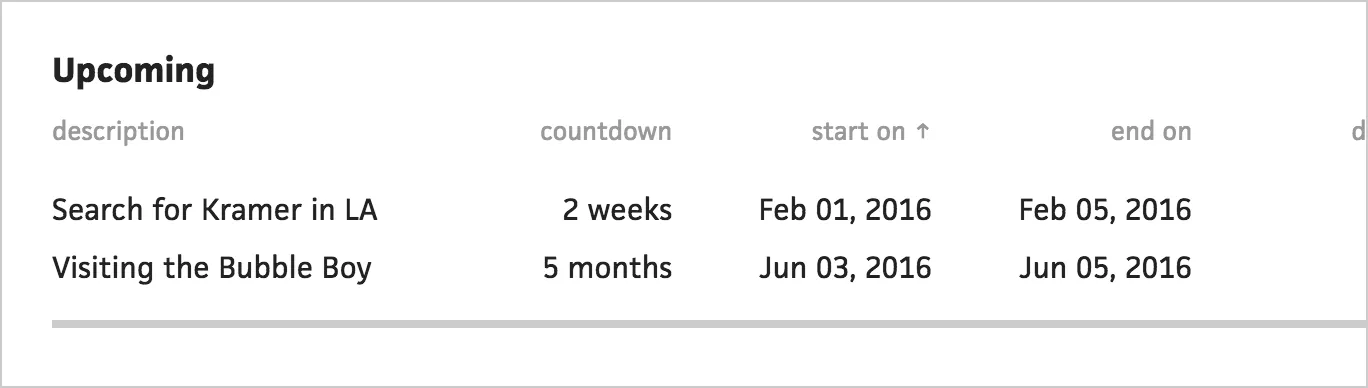
In the Timelines section, you will now see a tab for “Vacations”. Here you can create a new vacation and see a list of your vacations, separated into “past” and “upcoming”. For upcoming vacations, Cushion will count down the days, so you know exactly how much time is left until that trip to Maui or that Netflix staycation.
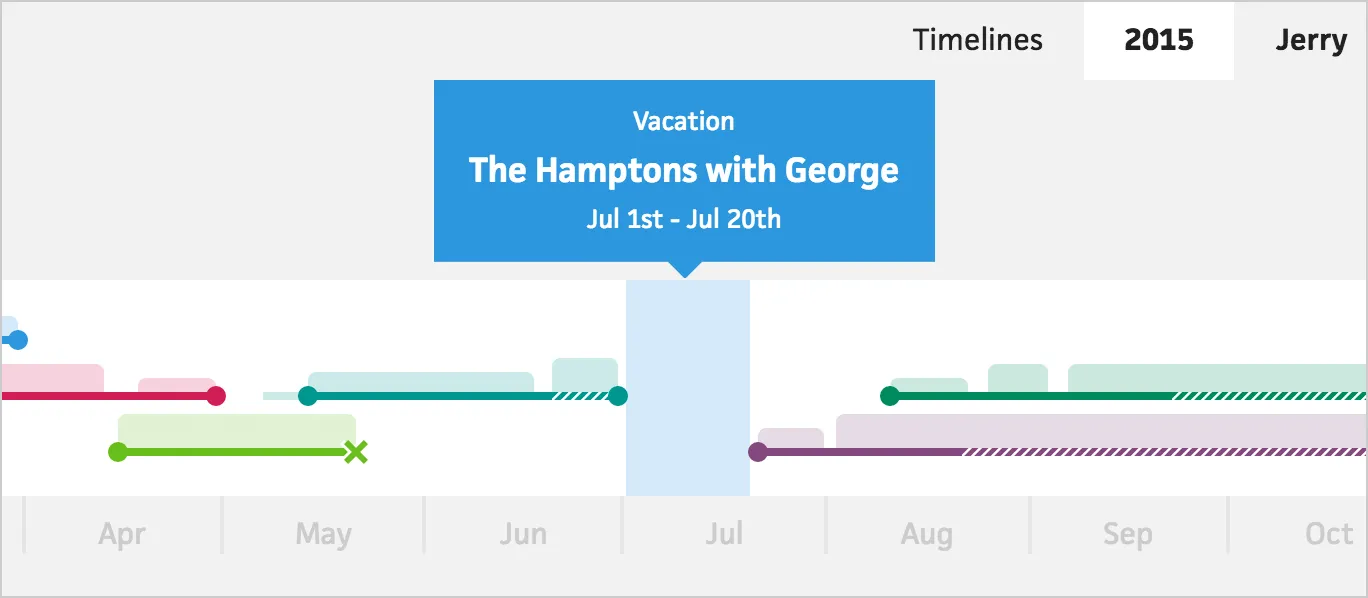
Then in the scheduling view, Cushion will draw your vacations as blocks on the timeline. Hovering a vacation will display its description and date range. With vacations, you will now be able to instantly see when potential projects overlap with an upcoming break. This is one more step towards bringing peace of mind to your freelancing life.